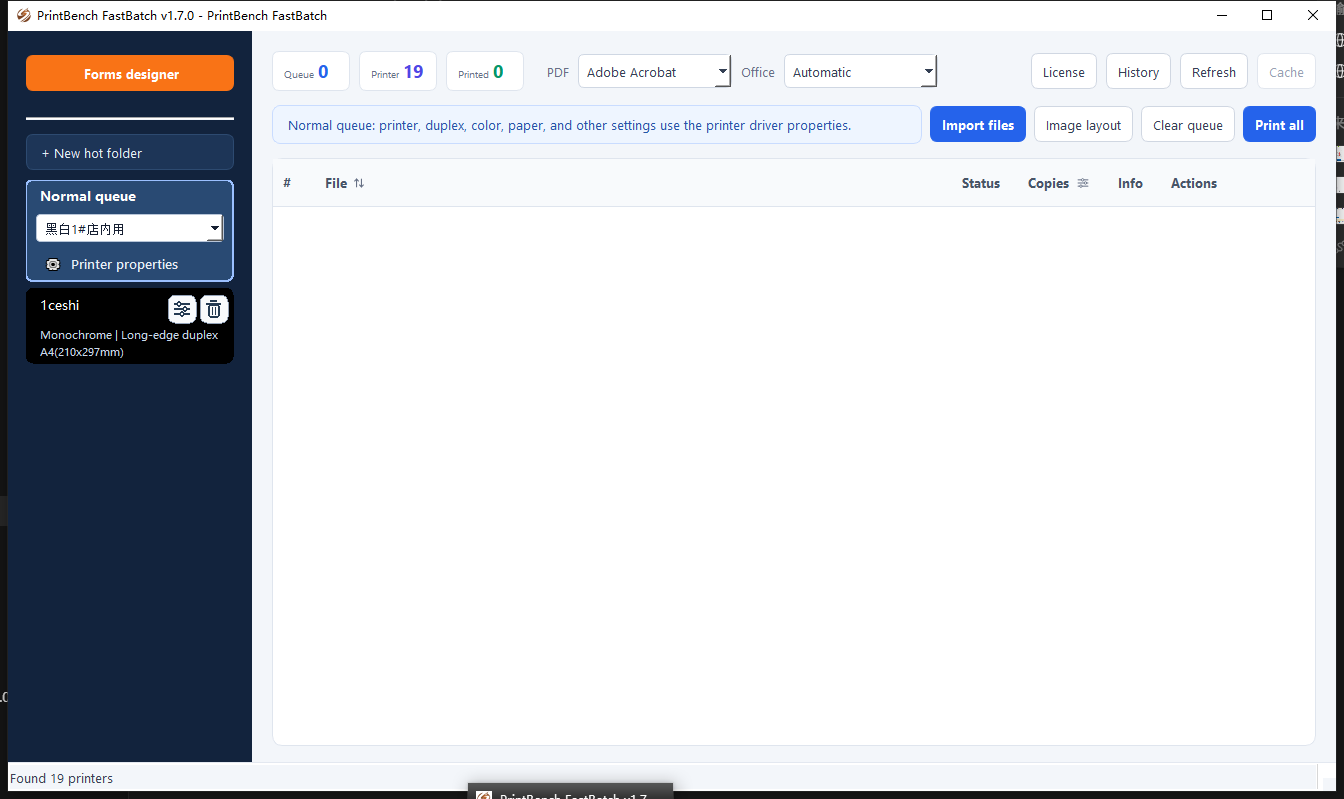
Batch printing
Print with confidence
- Queue mixed file types in one run
- Reuse visible print rules
- Keep the complete job local
Five focused apps. One smoother workflow. Choose the tool that fits your task and get it done—fast and reliably.
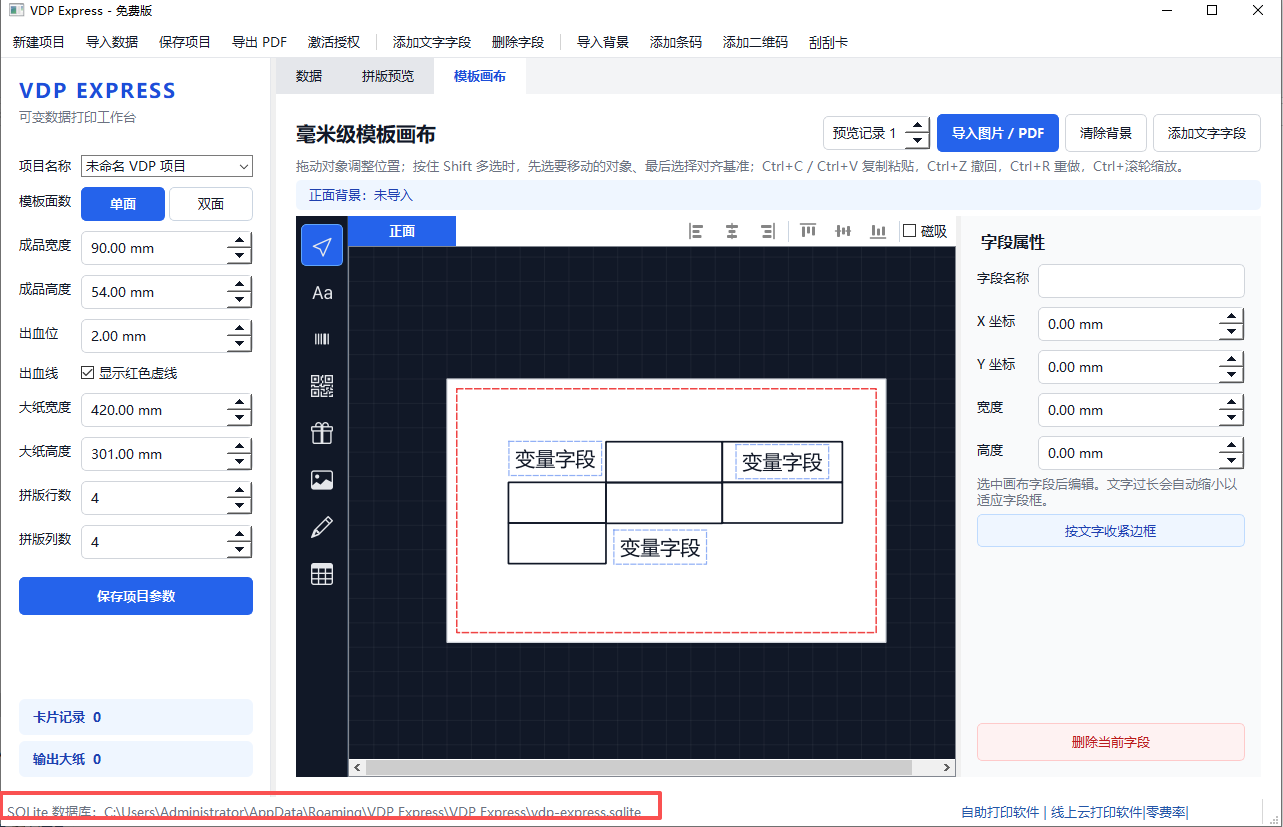
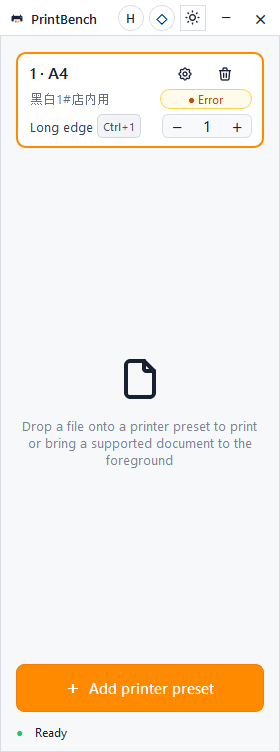
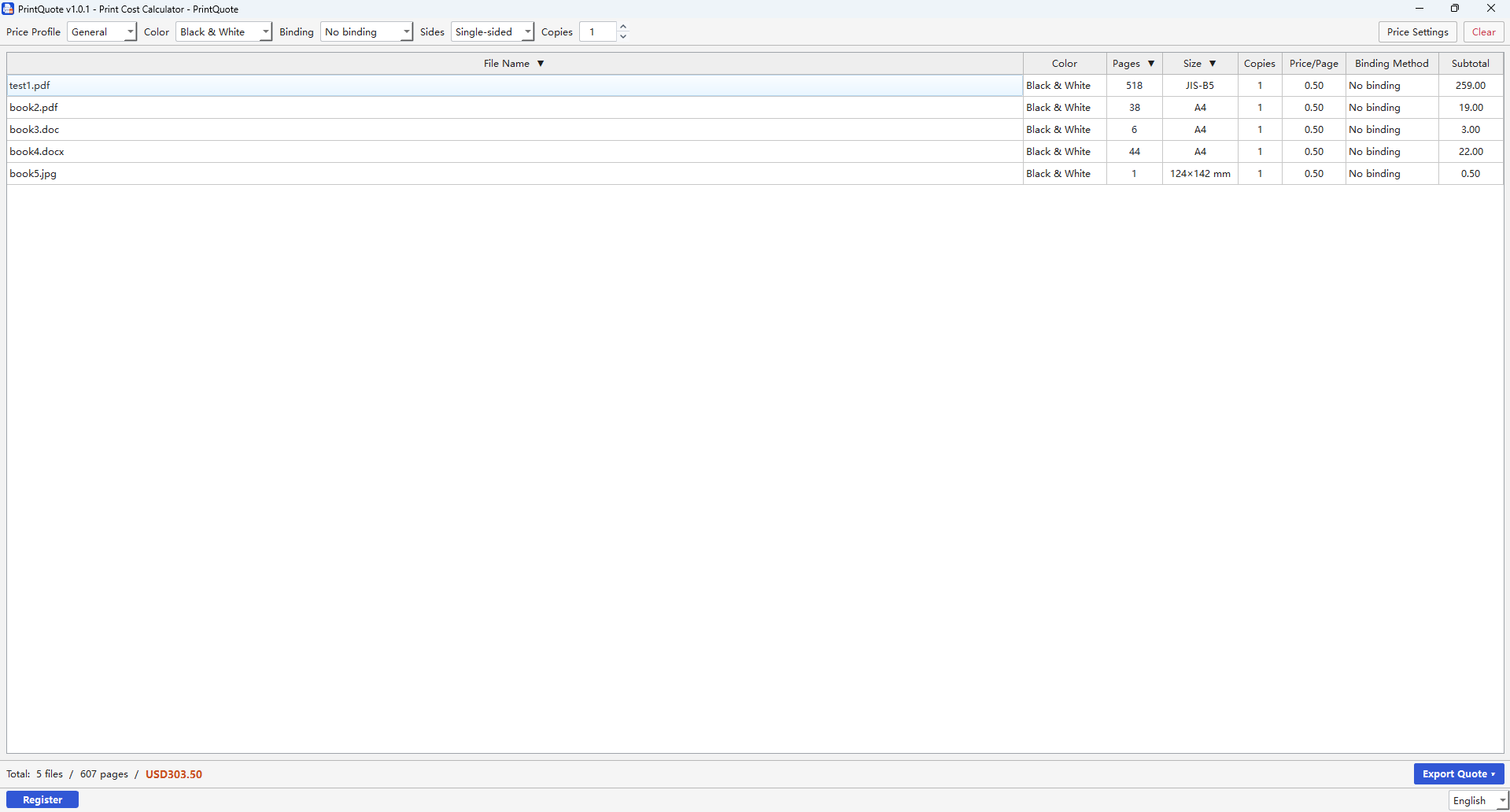
Start with the outcome you need. Each app stays focused, so setup is simple and the workflow remains dependable.
| Comparison category |  PrintBench PrintBenchFastBatch |
 PrintBench PrintBenchVDP |
 PrintBench PrintBenchQuick |
 PrintQuote PrintQuote |
 NovaSnip NovaSnip |
|---|---|---|---|---|---|
| Best for | Mixed-format batch printing | Personalized documents and labels | Repeat everyday print jobs | Print cost calculation | Capturing and annotating screens |
| Key input | PDF, Office files and images | CSV or Excel plus a layout | Any supported printable file | Files, quantities and finishing | A screen region or window |
| Main outcome | One ordered print run | Personalized print-ready output | Reliable printing in fewer steps | A clear professional quotation | A ready-to-share capture |
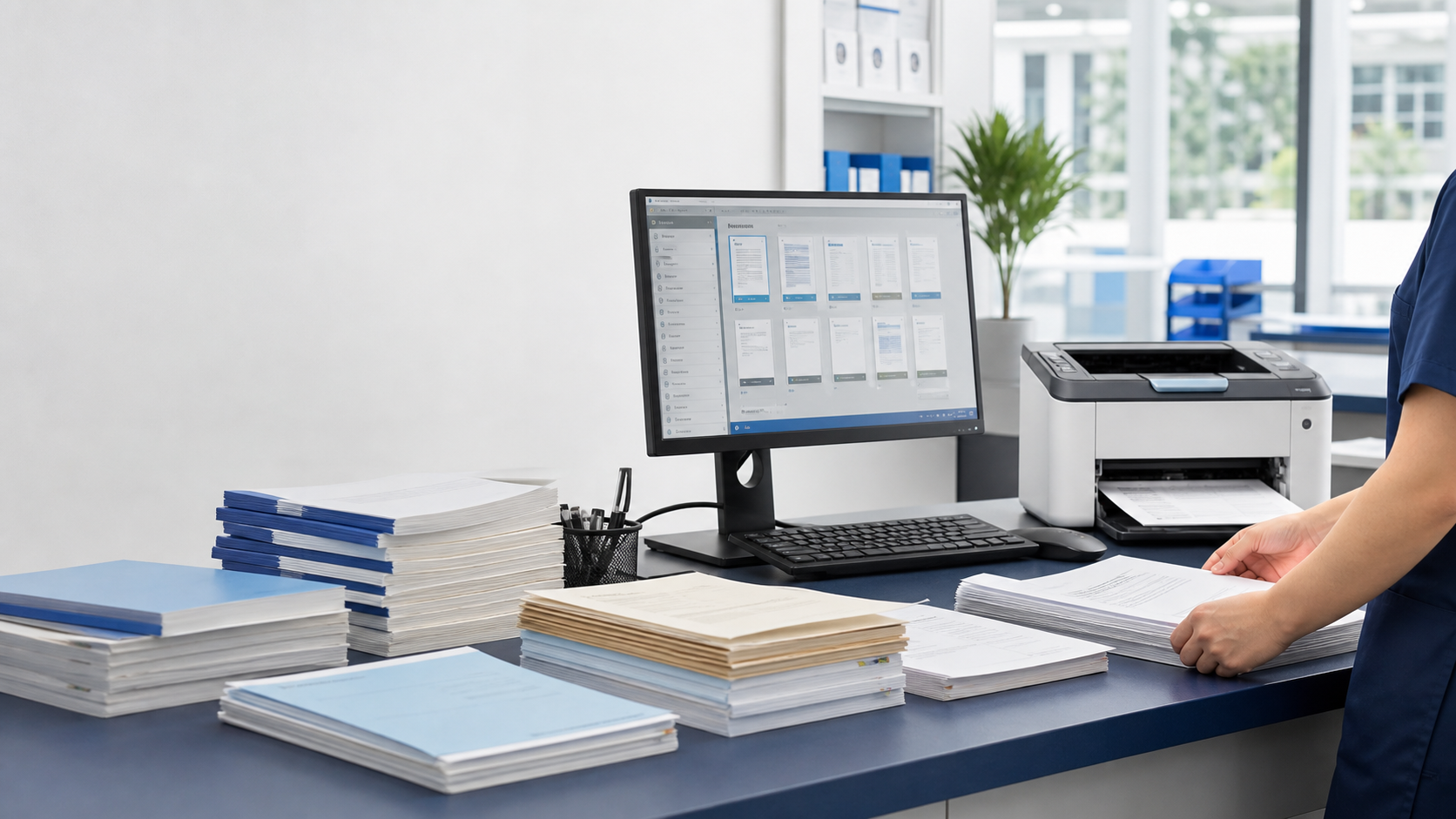
Compare File Explorer, merged PDFs and a controlled print queue for PDF, Word, Excel and image files.
PrintBench apps run on your Windows desktop. Your documents stay on your PC while the tools work with the printers and files you already use.
Local-first by designYour working files stay on your computer.
Works with your workflowFocused tools for printing, quoting and capture.
Try before you buyDownload and test the workflow on Windows.
Help when you need itProduct support is one click away.