Select a region, grab the full screen, set a delay, or stitch scrolling content into one image.
Lightweight screenshots for Windows
Capture. Mark. Done.
NovaSnip keeps region, full-screen, delayed and scrolling capture close at hand, then gives you the annotation tools you need without the weight of a full image editor.
3-day free trial · Lifetime license · No subscription
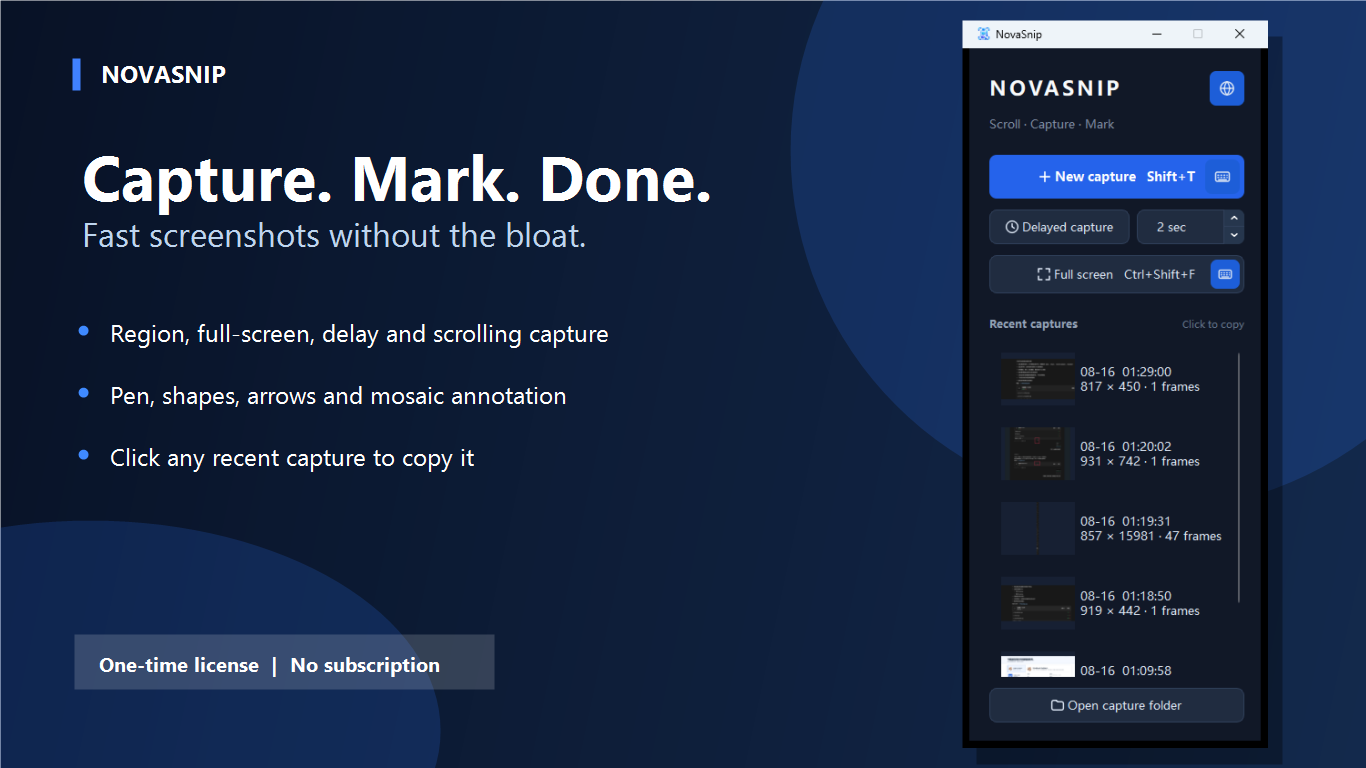
One focused tool from capture to clipboard
Start a capture from the compact control, mark what matters, and paste the result where you need it.
Add pen strokes, rectangles, circles, arrows, text and mosaic with a responsive floating toolbar.
Click any recent capture to copy it straight to the Windows clipboard, ready to paste.
A screenshot workflow that stays out of your way
Use a button or global shortcut, make the image clear, then move on.
Choose the right capture
Drag over a region, take the full screen, wait for a menu with delayed capture, or collect a long page with scrolling capture.
Mark what matters
Draw, frame, point, label or obscure sensitive details. Color controls appear only for tools that need them.
Copy, save or revisit
Finish to copy the image immediately, save it locally, or click a recent capture later to place it back on the clipboard.
Small control. Useful details.
NovaSnip opens quickly and keeps everyday controls visible without taking over the desktop.
Scrolling pages and conversations
Capture content longer than the screen and export it as one continuous image.
Clear feedback and documentation
Use arrows, shapes, text and pen tools to make instructions easy to follow.
Privacy before sharing
Apply mosaic to names, numbers and other details before the image leaves your PC.
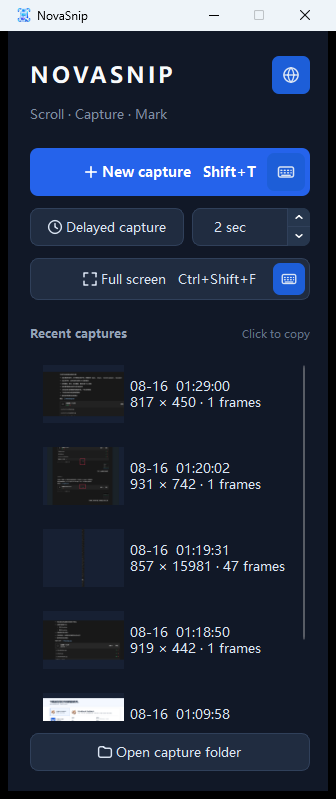
Simple to install and own
Try the complete capture workflow for three days, then keep it with one lifetime purchase.
- Windows 10 or Windows 11, 64-bit.
- Region, full-screen, delayed and scrolling capture.
- Customizable shortcuts for new capture and full-screen capture.
- Local capture history and image processing.
- US$2.99 one-time license. No subscription or recurring charge.
Learn scrolling screenshots on Windows
Capture long content, annotate key details and protect private information.
Need screenshots, not a design suite?
Install NovaSnip and start with a free three-day trial.