PDF, Word, Excel, OpenDocument, CAJ and common image files from a folder or manual import.
Batch printing for Windows
Print a folder of mixed files as one controlled job.
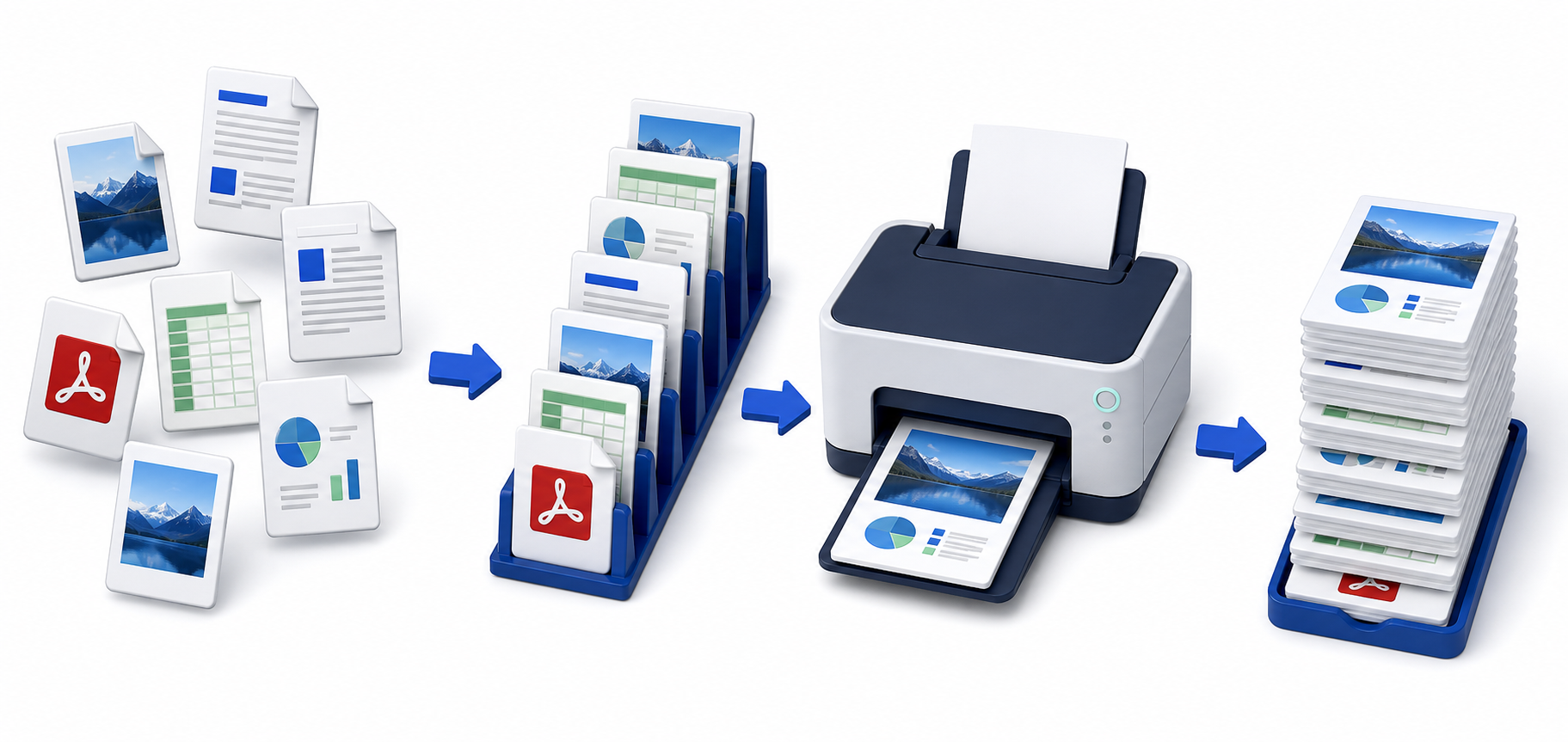
FastBatch replaces the routine of opening documents one by one. Build an ordered queue, review each file's rules, then print the whole run.
What FastBatch actually does
Use it when one print run contains many documents, different file types, or repeated printer settings. FastBatch keeps the files and instructions together in a single local workspace.
Queue order, copies, paper, color, duplex, tray and other settings exposed by the selected Windows printer driver.
A complete batch sent in sequence, with print history stored locally for later checking.
From scattered files to a finished batch
The entire job stays visible before printing starts.
Bring the job together
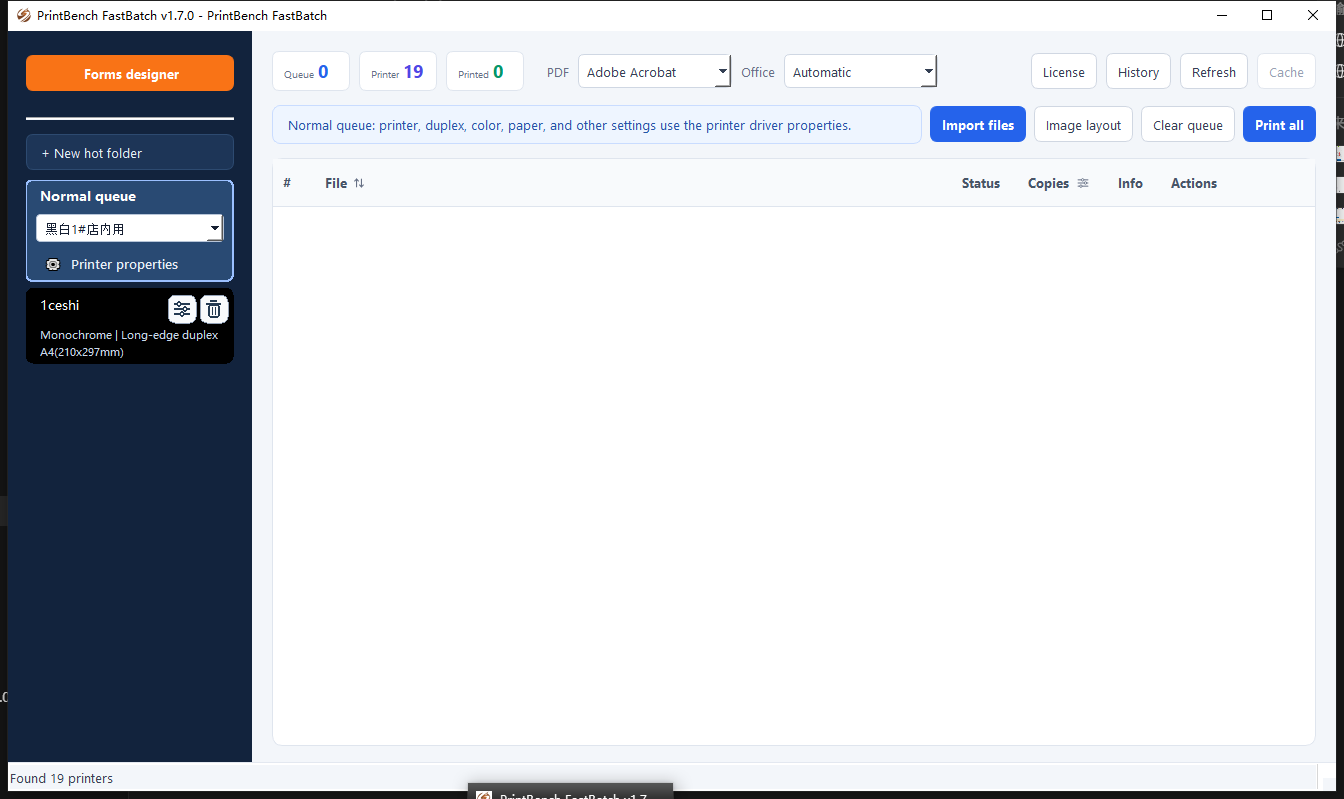
Drag files into the normal queue, import them with the file picker, or create a hot folder for work that arrives repeatedly.
Check the rules
Choose the printer and driver settings. Change copy counts per file, sort the queue, and confirm the final order before output.
Run and track it
Print one item or the complete queue. Status and history help the operator see what has finished and what needs attention.
Made for real production desks
Office document packs
Print invoices, reports, spreadsheets and supporting images in a defined order without reopening the print dialog for every file.
Copy shops and back offices
Save recurring printer setups as hot folders so incoming work lands in the right queue with the right paper and finishing choices.
Preprinted and multipart forms
Use the included form designer for continuous, preprinted or NCR-style layouts when the job needs controlled positioning.
Formats and print engines
Built-in PDF printing is available, with Adobe Acrobat as an alternative. Office documents can use Microsoft Office, WPS Office or LibreOffice. CAJ files require a compatible local reader.
Local by design
Documents are prepared and printed on the Windows PC. They are not uploaded to PrintBench. Queue data, templates and print history are stored locally.
Need a step-by-step batch printing workflow?
Compare three ways to print PDF, Word, Excel and image files together on Windows.
Have a multi-file print run waiting?
Put the whole job in one queue and review it before the first page leaves the printer.